Tastease for iPhone
Plan, shop and cook from your phone.
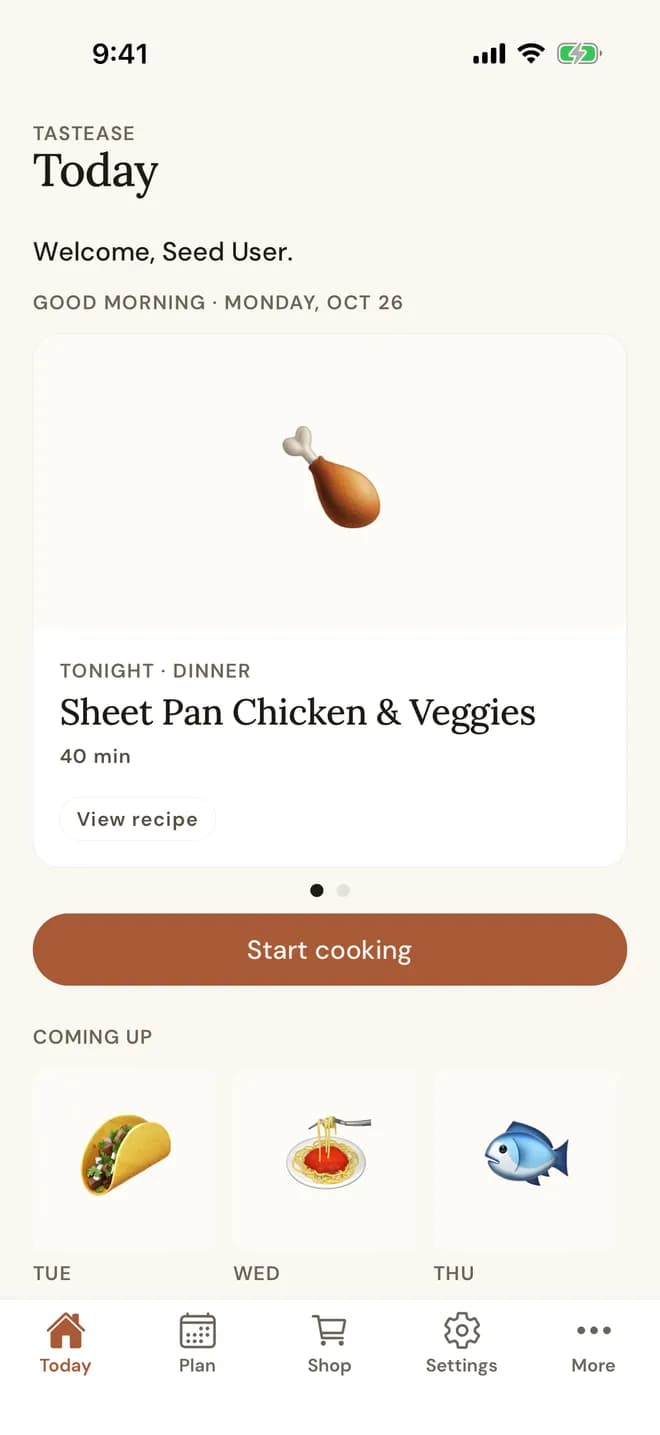
The whole week in your pocket: the plan, one shopping list and step-by-step cooking, with timers that stay on your lock screen.
Coming soon to the App Store
Use it in your browser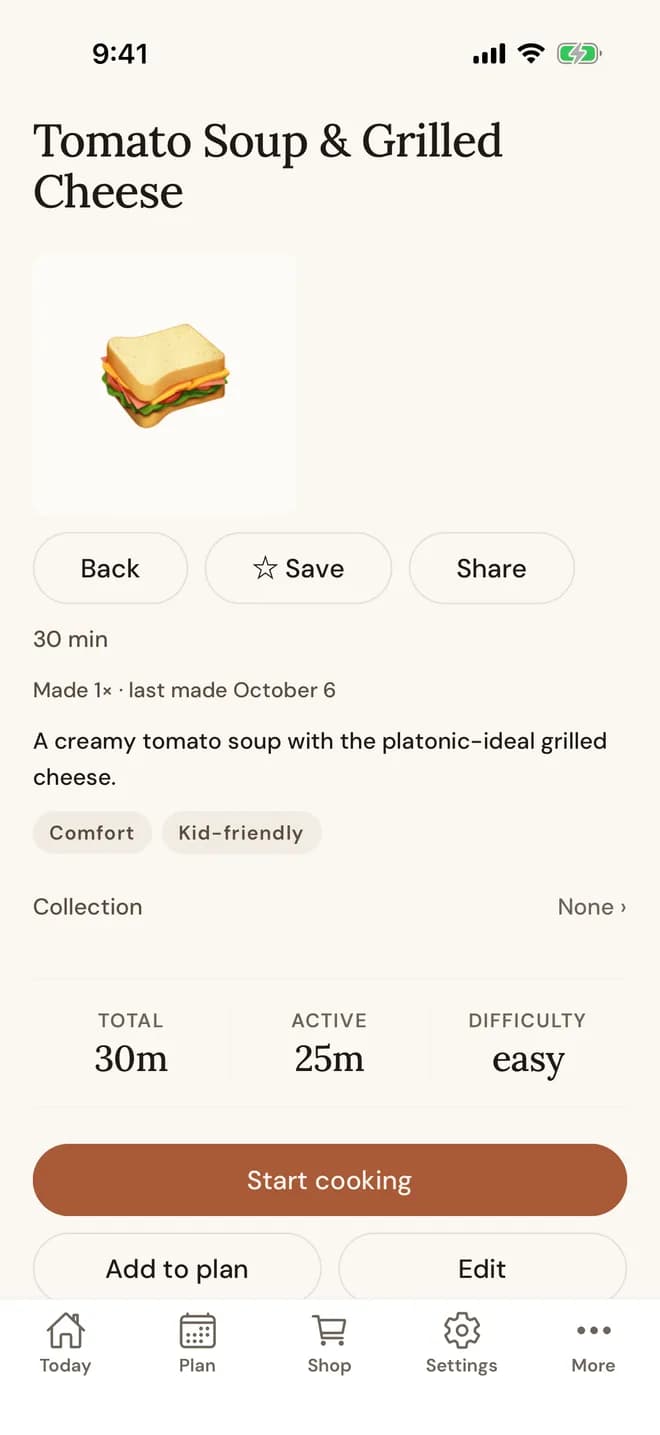
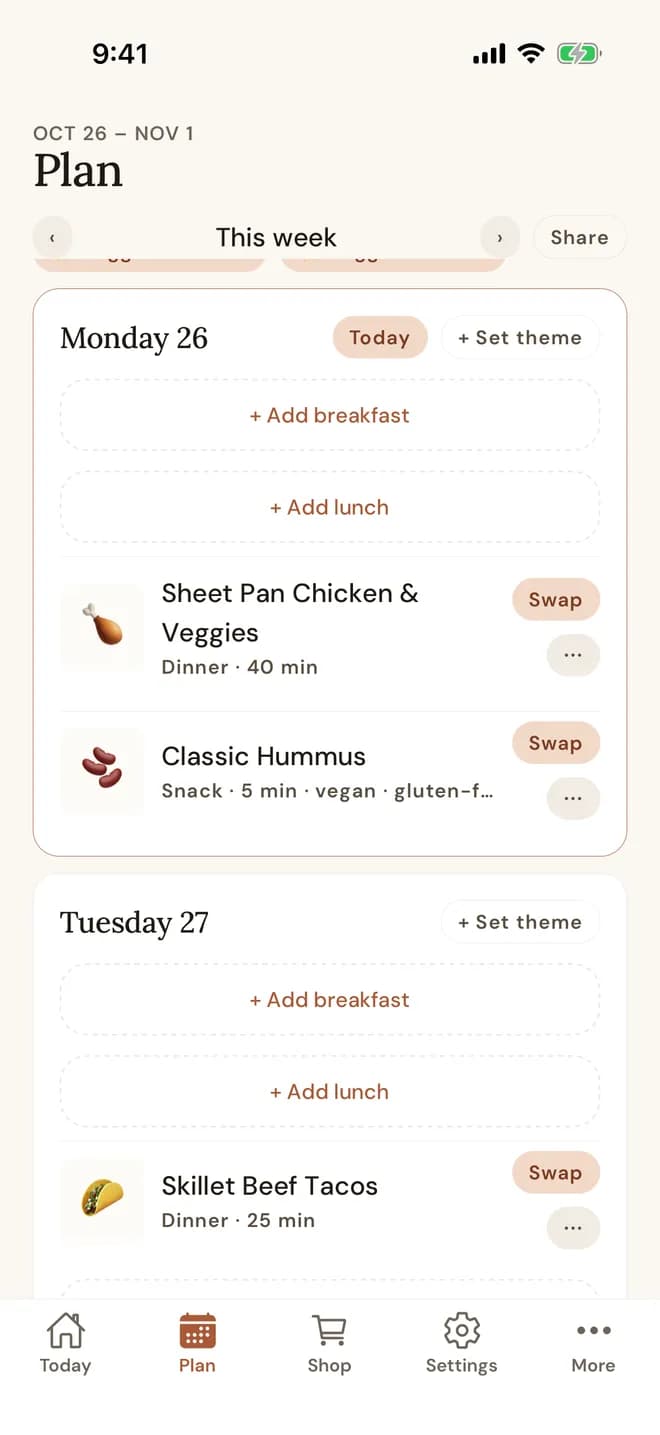
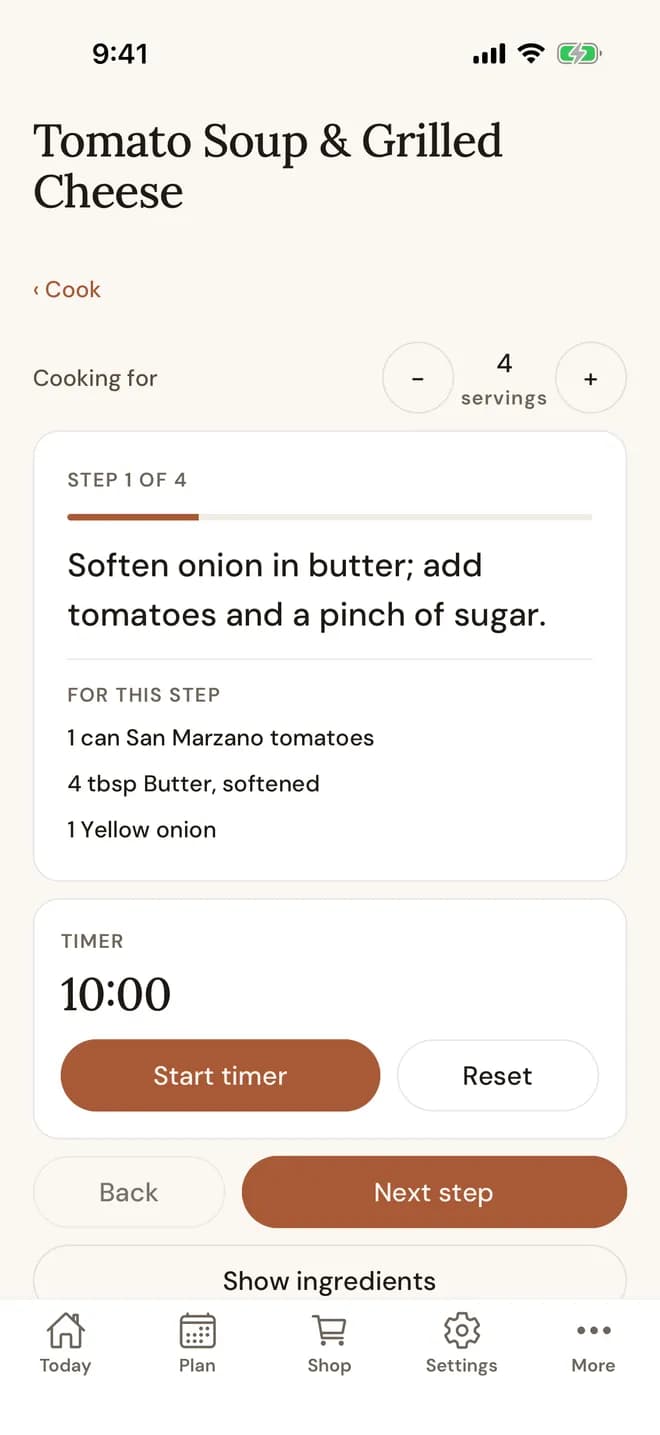
A look around the app
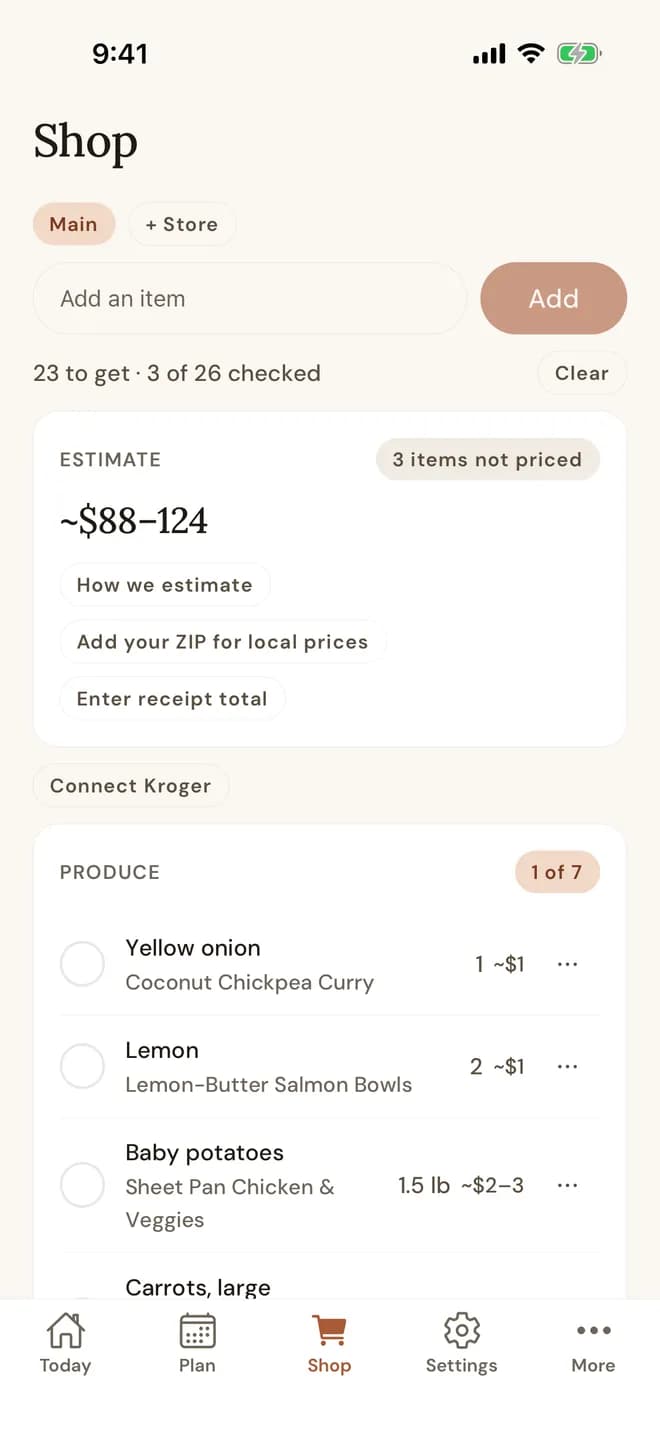
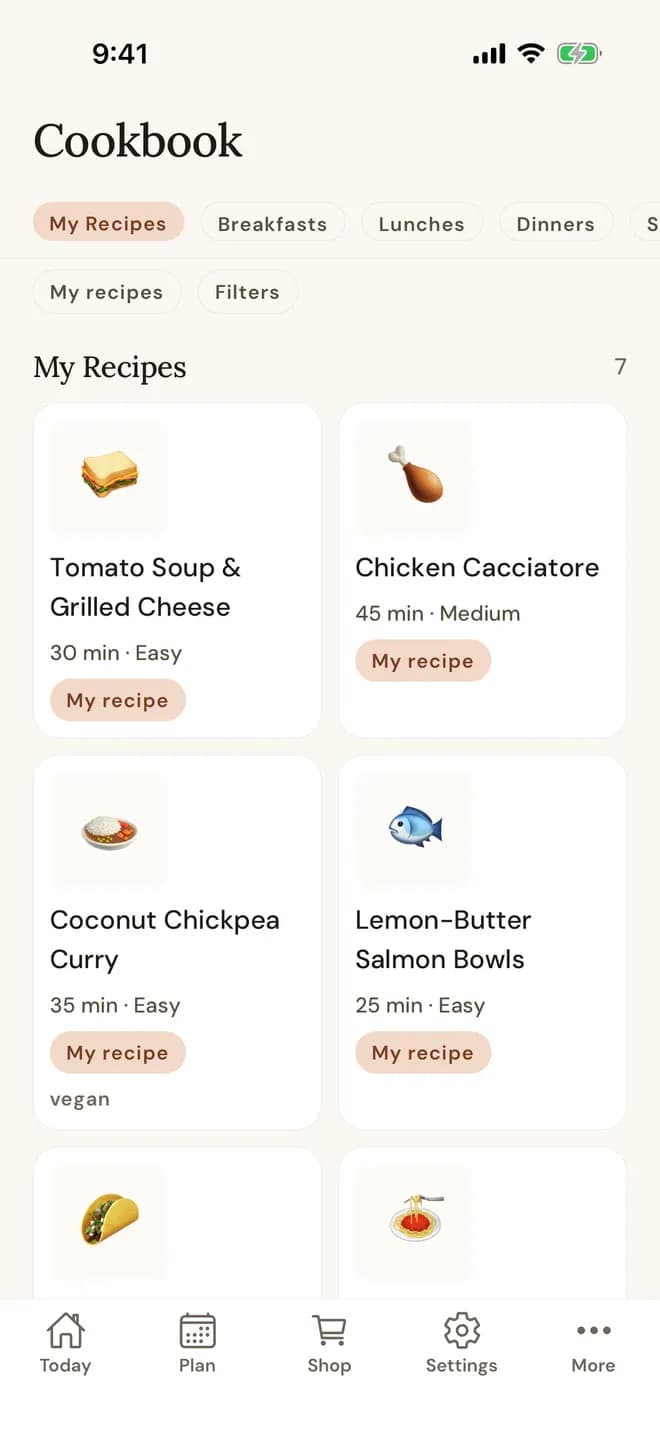
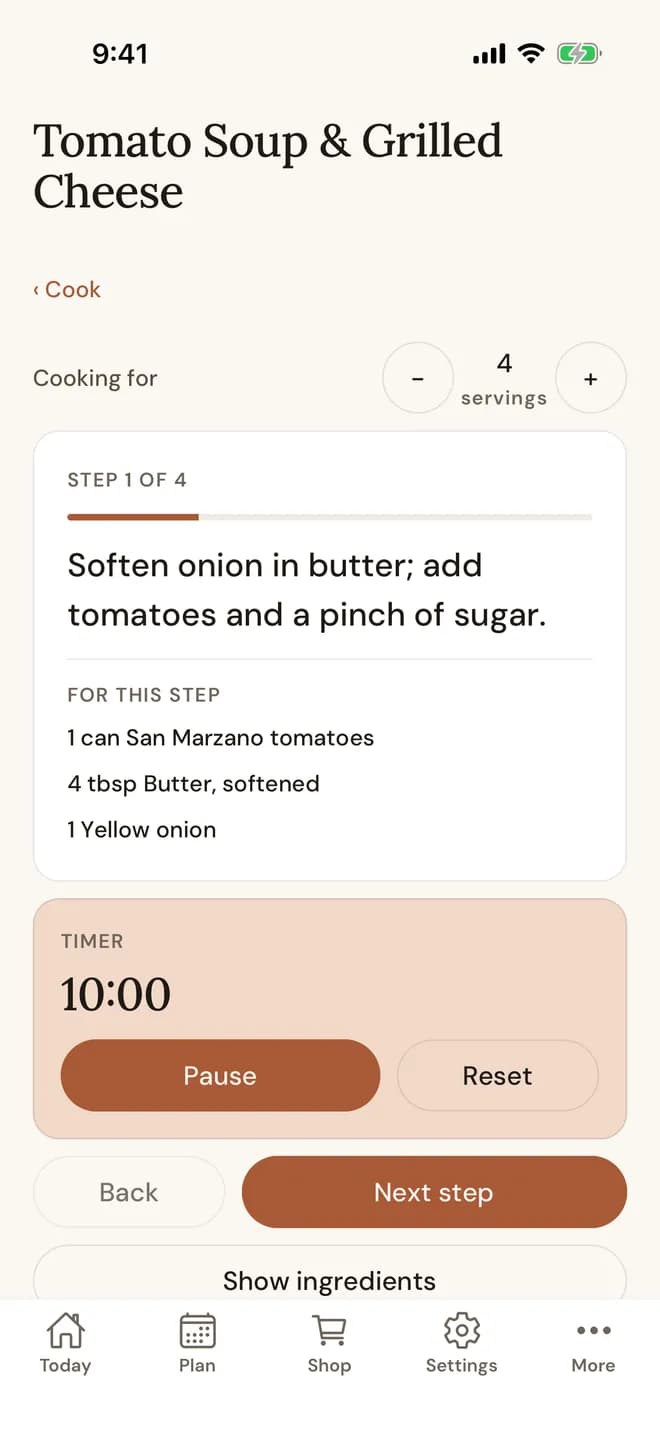
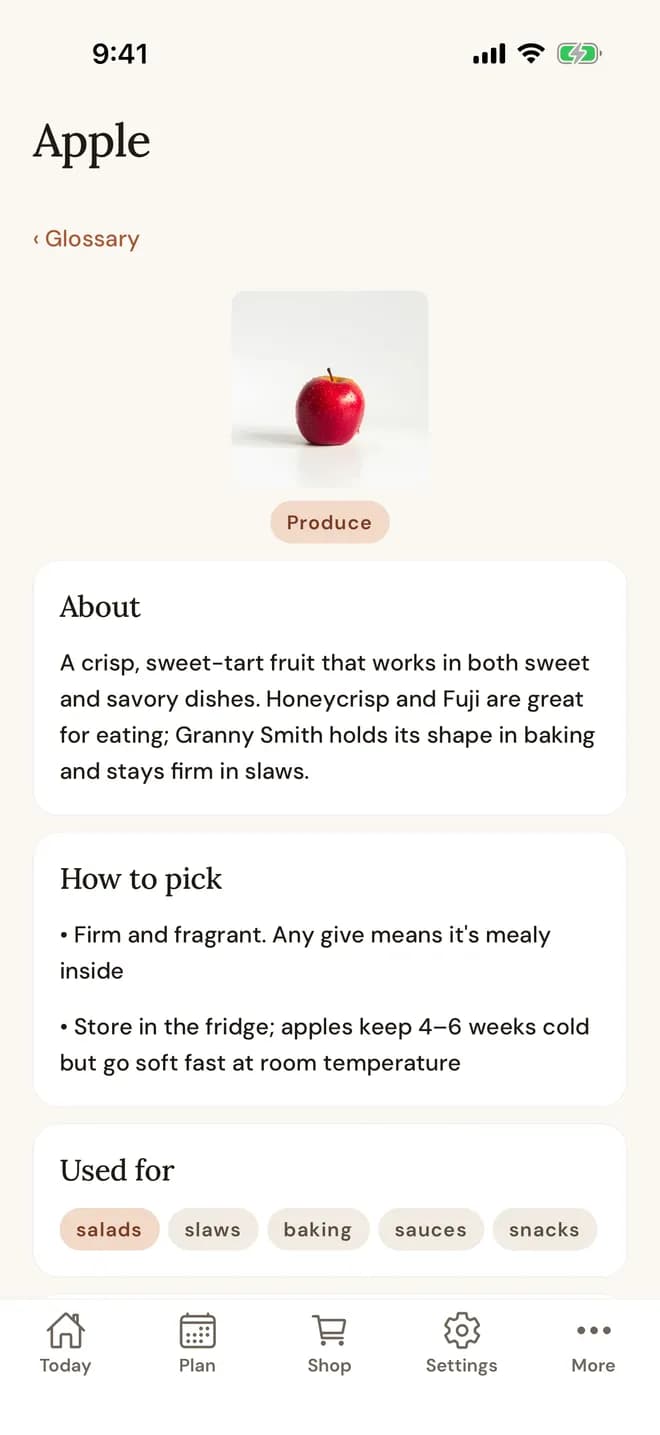
Only on iPhone
What the app does that a browser can't
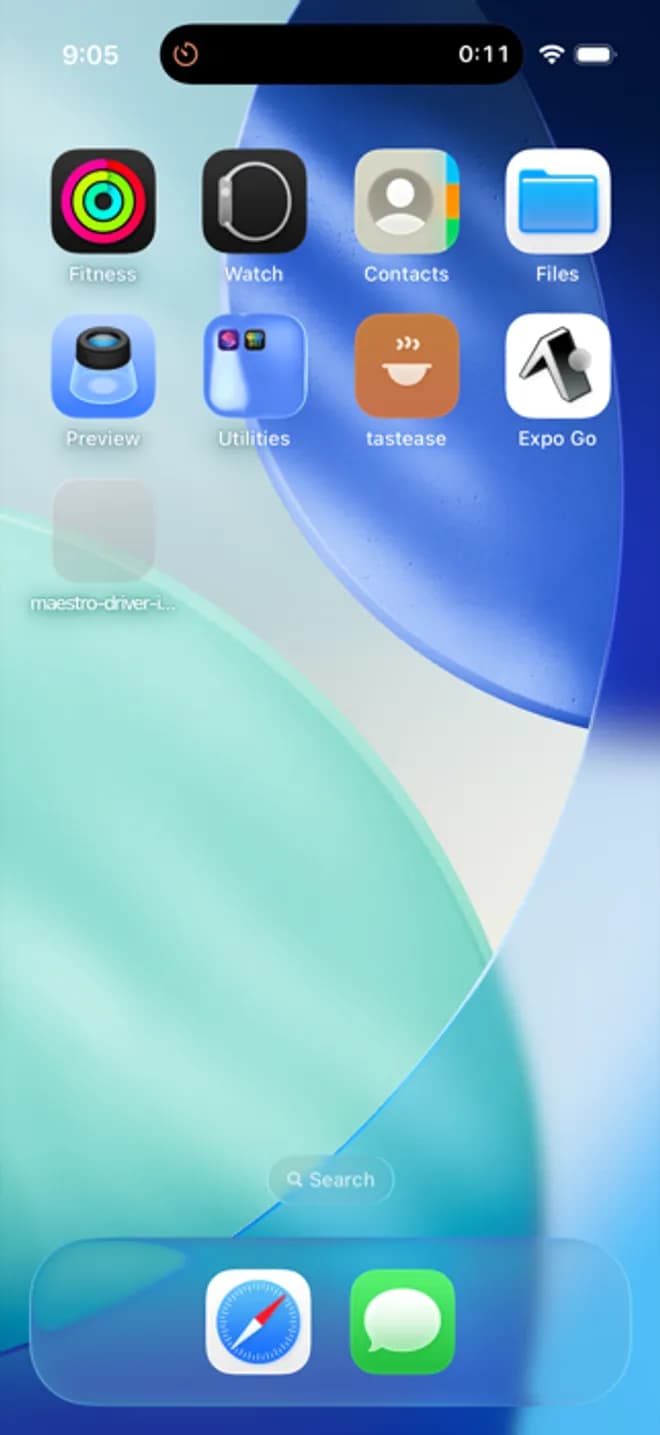
Cook timers on your lock screen
Start a timer in a cook step and it keeps counting on the lock screen and in the Dynamic Island. Put the phone down and keep cooking.
Save recipes from the share sheet
Share a recipe link, a caption or screenshots from Instagram or anywhere else to Tastease, and it builds the recipe for you to check and save.
Cook offline
Once you start a recipe, it keeps working with no signal. A weak connection in the kitchen doesn't stop dinner.
Reminders on your phone
Get a Sunday nudge to plan the week and updates when someone in your household changes the plan. Push reminders are part of Premium.
Sign in with Apple
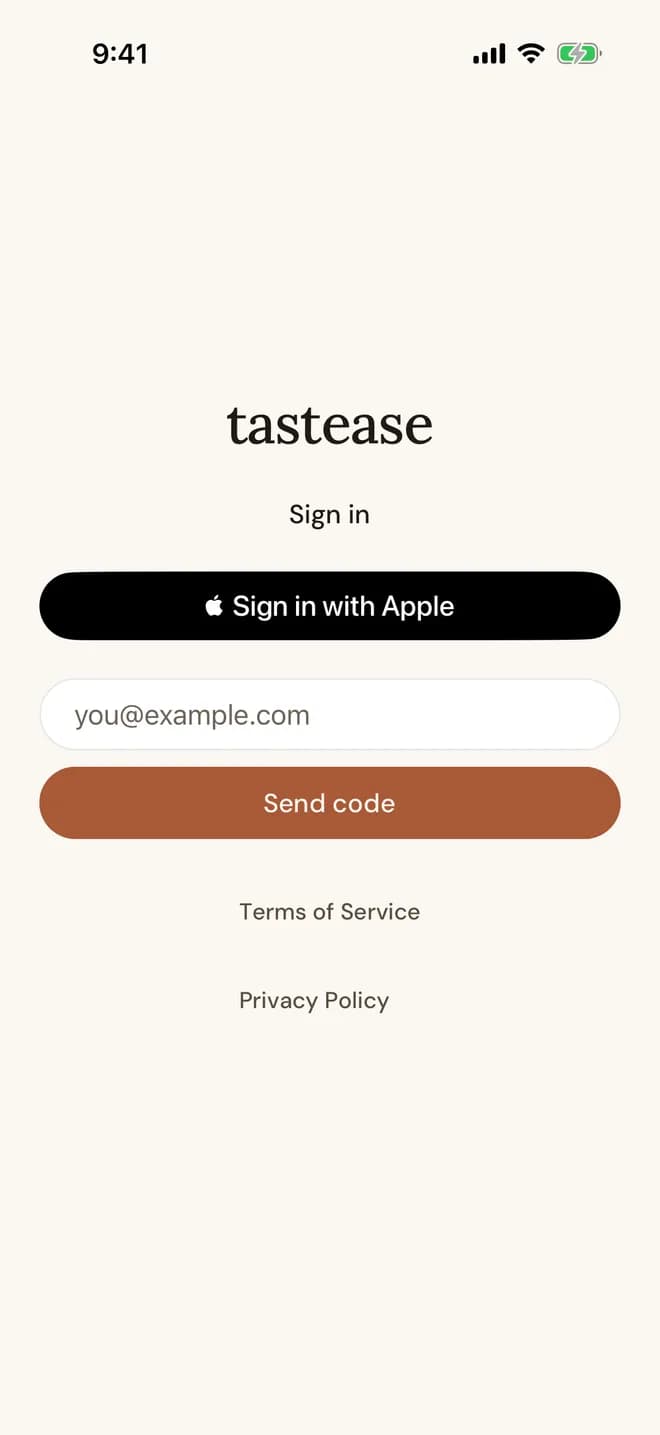
Create an account or sign in with your Apple ID, and keep your email private if you want to.
Works with the web app
It's the same account, and everything syncs. Plan the week on your laptop, then cook from your phone. Anything you change on one shows up on the other.
Free to download
The app is free to download. You can buy Premium in the app through the App Store, or on the web. See plans and pricing.
iPhone questions
Is there an Android app?
Not yet. Tastease works in the browser on any phone, including Android, and you can add it to your home screen.
Does it work on iPad?
The app is built for iPhone for now. On an iPad you can use Tastease in the browser.
Do I need a new account?
No. Sign in with the account you already use, with email, Google or Sign in with Apple, and your plans, lists and recipes are there.
Where do I manage my subscription?
Wherever you bought it. If you subscribed in the iPhone app, manage it in Settings under Subscriptions. If you subscribed on the web, manage it in the web app.
Get Tastease on your iPhone
Coming soon to the App Store